Sales
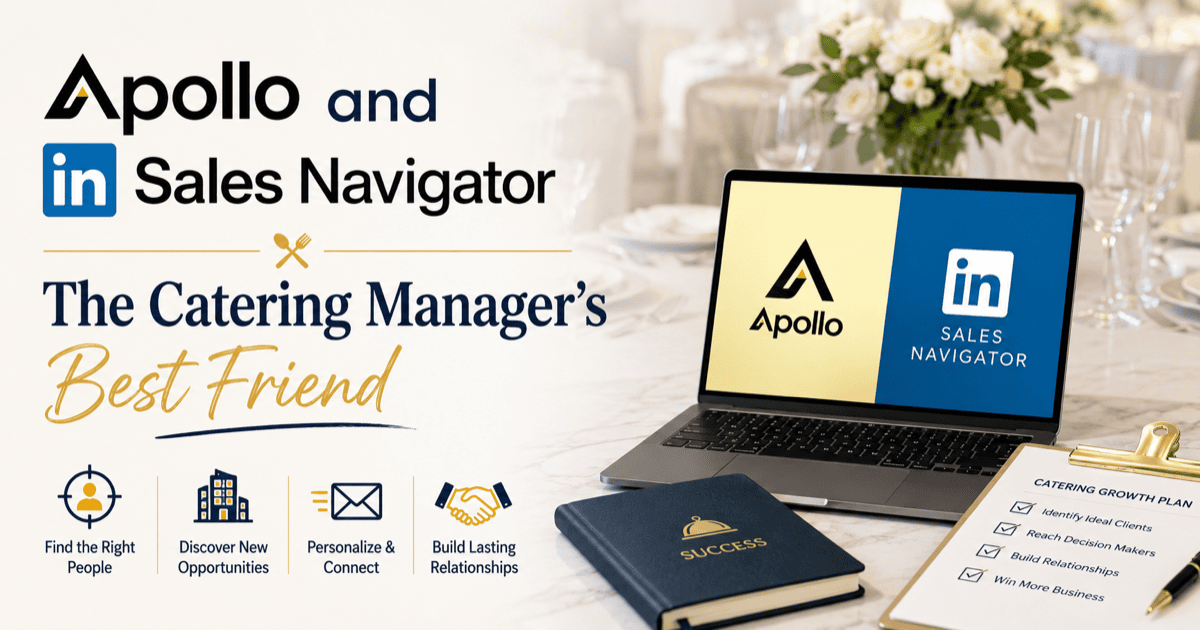
Apollo and Sales Navigator: The Catering Manager's Best Friend
Most catering managers approach B2B sales the way a chef approaches a new recipe: by trying everything. They send cold emails to lists they bought, run LinkedIn searches by hand, and pray a decision-maker replies.
The operators winning catering accounts in 2026 do it differently. They use two tools (Apollo.io and LinkedIn Sales Navigator), in a specific order, with a specific workflow. The result is 5 to 10 quality conversations per week instead of 50 cold emails that get ignored.
This post is the playbook.
Why do most catering managers waste time on cold outreach?
Three reasons.
- They prospect blind. They send to lists scraped from web directories. No firmographic context, no buying intent signal.
- They send the same pitch to everyone. "We do catering for offices, your team will love it." Generic, ignored.
- They never know who actually opened the email. Without signal, they cannot prioritize who to call.
Apollo + Sales Navigator fix all three.
What does Apollo.io actually do?
Apollo is a B2B prospecting database. Three things make it indispensable for catering:
Verified contact data
Apollo has emails and phones for ~270 million decision-makers across 60 million companies. You can filter by job title (office manager, executive assistant, CFO, HR director), company size, industry, geography, and recent funding.
For a catering manager, that means: "Show me every office manager at companies with 50 to 500 employees within 10 miles of my kitchen." Done in 30 seconds.
Engagement signals
Apollo tracks who opened your email, when, and how many times. Three opens in 2 days = strong signal. Call that person, do not email again.
Sequences
Multi-step outreach. Email 1 on Monday, follow-up on Thursday, LinkedIn touch on Tuesday week 2, breakup email on Friday week 3. Apollo runs the cadence for you. You write the templates once.
The pricing tier that matters: the Professional plan is enough for most catering operations. Skip Organization unless you have 5+ sales reps.
How does Sales Navigator fit in?
Apollo gives you breadth. Sales Navigator gives you depth.
LinkedIn knows when someone changed jobs, got promoted, joined a new company, or just posted about hosting events. These are buying intent signals you cannot get anywhere else.
The specific Sales Navigator searches that work for catering:
- "Recently joined" at companies in your delivery zone. New hires inherit the office catering decision and have no incumbent supplier.
- "Posted about events" in the last 30 days. Direct trigger.
- "Hiring office managers" at companies 50+ employees. The new office manager will need a caterer.
Use Sales Navigator to find the trigger, then Apollo to get the email and run the sequence.
What is the daily workflow that works?
Thirty minutes per day, five days per week. That is the entire commitment.
Monday (45 min)
Apollo: pull 30 new prospects matching your ICP filters. Add to a new sequence.
Tuesday (30 min)
Sales Navigator: scan saved searches for trigger events. Save 5 to 10 high-priority accounts.
Wednesday (30 min)
Review Apollo engagement. Call the top 3 prospects who opened your email twice or more. Skip everyone else.
Thursday (30 min)
Apollo: review reply rate by template. Edit the worst-performing template. Sales Navigator: send 10 connection requests with personalized notes (referencing the trigger event you saw).
Friday (30 min)
Move accepted connections into Apollo as warm prospects. Schedule follow-up call for week 2.
The whole week is ~3.5 hours. Done consistently for 8 weeks it generates ~5 to 10 qualified conversations per week. The compounding starts at week 6.
What should you never do with these tools?
Three mistakes operators make that turn these tools into legal and reputational risk.
- Never email more than 50 cold contacts per day from a single domain. You will trigger spam filters and torch your sender reputation. Use a secondary sending domain (catering@yourbrand-events.com) for outreach.
- Never personalize with someone's company info but generic copy. "Hi {{FirstName}}, I see you work at {{CompanyName}}" is worse than no personalization. Either personalize deeply or do not at all.
- Never use Apollo data for purposes the contact did not consent to. GDPR and CCPA still apply. Apollo is a tool, not a permission slip.
And one bonus: stop sending cold pitches via LinkedIn messages. Sales Navigator's job is intelligence, not outreach. Use it to find the trigger, then email through Apollo.
How AIA fits with Apollo
AIA CRM integrates with Apollo to auto-enrich every contact who lands in your system. When a guest places their first catering order, Apollo data attaches firmographics, titles, and company size automatically. Look-alike audiences of your VIPs surface without manual searching. Walk through that here.
Key takeaways
- Apollo gives you breadth (data + sequences). Sales Navigator gives you depth (intent signals).
- The workflow is 30 minutes per day, 5 days per week. Not heroic effort.
- Trigger events (new hires, recent posts, hiring searches) are the highest-conversion entry point.
- Do not exceed 50 cold emails per day from one domain.
- AIA CRM auto-enriches contacts via Apollo, so the prospecting work compounds into the customer record.
If you want to see Apollo-enriched contacts living inside the catering CRM, request a demo.